Custom LinkedIn URL: A 60-Second Guide for Executives
You’ve probably done this recently. Someone asked for your LinkedIn profile, and you pasted a link that looked like a password reset token instead of a professional identity.
That small detail matters more than most senior professionals think. Your profile might be strong, your experience might be serious, and your reputation might be earned, but a cluttered public link weakens the first impression before anyone reads a word of your headline.
A custom linkedin url is one of the fastest branding upgrades you can make. It takes less than a minute to change, but it sharpens how you appear in search, how confidently you share your profile, and how polished you look across resumes, email signatures, speaker bios, and business cards.
Why Your LinkedIn URL Is Your Digital Handshake
A board introduction lands in your inbox. A recruiter forwards your profile to a client. A conference organizer drops your LinkedIn link into a speaker page. In each case, your URL often gets seen before your headline, summary, or experience.
That is why this small detail carries weight.
A clean custom linkedin url signals judgment, consistency, and self-awareness. A default link filled with random characters suggests the opposite. Senior professionals are often evaluated through fast impression checks, and international professionals feel that even more sharply because credibility is built across many small touchpoints, not a single performance.
On LinkedIn, scale works against anonymity. With a network this large, people look for quick cues that help them decide whether a profile feels current, credible, and worth their time. Your URL is one of those cues.
Small detail, strong signal
The strongest personal brands are usually built through disciplined basics. A custom URL belongs in that group because it improves how you appear anywhere your profile is shared.
It helps in practical places:
- On resumes: A clean link looks deliberate and is easier to read.
- In email signatures: Recipients can recognize it quickly and trust it faster.
- On business cards: A shorter URL is easier to type without errors.
- In Google search results: A name-based URL looks more relevant and more professional.
Your URL will not carry your reputation on its own. It does show whether you manage your public presence with care.
If you’re working to develop a strong LinkedIn brand, this is one of the simplest improvements to make because it affects every place your profile appears.
Why this matters for executive presence
Executive presence is not only how you speak in the room. It is also how consistently you present yourself before the meeting starts. A polished LinkedIn URL supports that consistency by making your profile look intentional, stable, and easy to verify.
For international professionals, that matters at a deeper level. If your name is often shortened, misspelled, or misunderstood across markets, your URL becomes part of how you establish clarity and authority on your own terms. It gives people a cleaner reference point. It also reduces one more source of friction in situations where perception already shapes opportunity.
That same pattern shows up in other parts of professional communication. This article on how accent bias affects career opportunities and what professionals can do about it explains why details that seem minor often influence how credibility gets assigned.
How to Edit Your LinkedIn URL on Desktop and Mobile
A recruiter opens your profile after a referral. A conference organizer checks your bio before publishing the speaker page. A client in another market copies your LinkedIn link from your email signature. In each case, your URL is part of the impression. Editing it takes a minute. Leaving it messy creates avoidable friction.
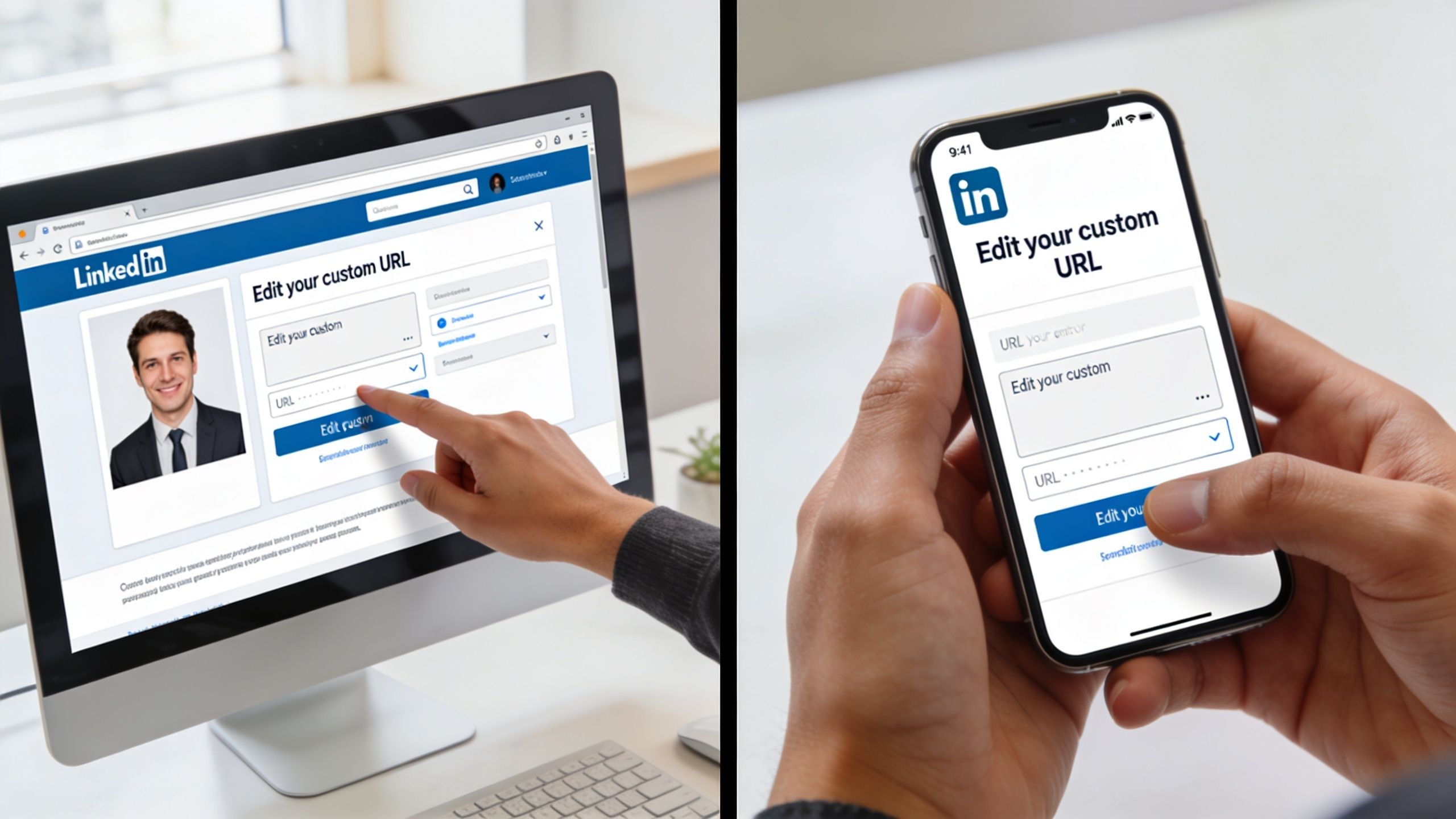
Before you make the change, decide on the exact version you want. LinkedIn accepts a custom slug with letters, numbers, and hyphens. If you try to improvise while typing, you are more likely to settle for a second-choice version that does not match the name you use across your resume, website, and public bio.
Desktop path
On desktop, use this route:
Desktop path: Profile photo → View Profile → Edit public profile & URL → pencil icon under Edit your custom URL → type your preferred slug → Save
Use the name format you want associated with your professional reputation. For senior leaders and internationally mobile professionals, that usually means the clearest version of your name, not the nickname colleagues use internally and not a keyword-stuffed variation that will look dated six months from now.
A few decisions matter here:
- Match your public identity: Use the same name version that appears on your resume, executive bio, and speaking profile.
- Choose readability over cleverness: If someone has to guess where one word ends and the next begins, the URL is working against you.
- Avoid frequent changes: Every edit creates follow-up work across old bios, portfolio pages, and outreach materials.
Mobile path
On mobile, the route varies slightly by app version, but the task is still quick:
Mobile path: Open the LinkedIn app → go to your profile → edit your profile or contact settings where the public profile URL appears → enter your preferred custom URL → Save
If the menu labels on your device look different, check the profile editing area rather than hunting through account settings. LinkedIn occasionally shifts the interface, but the URL setting stays tied to your profile.
This short walkthrough may help if you want to see the process in action:
What to do right after you save
The edit is not finished when you click Save.
Replace the old link anywhere another person might verify you. Update your resume, email signature, website bio, speaker page, board profile, and calendar booking page. If you work across countries or languages, this matters even more. A consistent URL reduces confusion when your name is transliterated, shortened, or pronounced differently across markets.
I also recommend checking how the new link appears inside your broader LinkedIn personal branding setup. The URL should support the identity your headline, photo, and About section already project.
If you want a broader reference point for profile-related questions beyond this setting, Intonetic’s LinkedIn and communication FAQs page is a useful general resource.
Crafting a URL for Executive Presence and SEO
A custom LinkedIn URL does more than tidy up your profile. It signals how deliberately you manage your professional identity.
For senior leaders and internationally visible professionals, that signal matters. Your URL may appear on a board bio, speaker page, investor deck, conference program, visa-related documentation, or an introduction written by someone who has never met you. A clean, name-based URL reduces friction and strengthens credibility at each of those touchpoints.
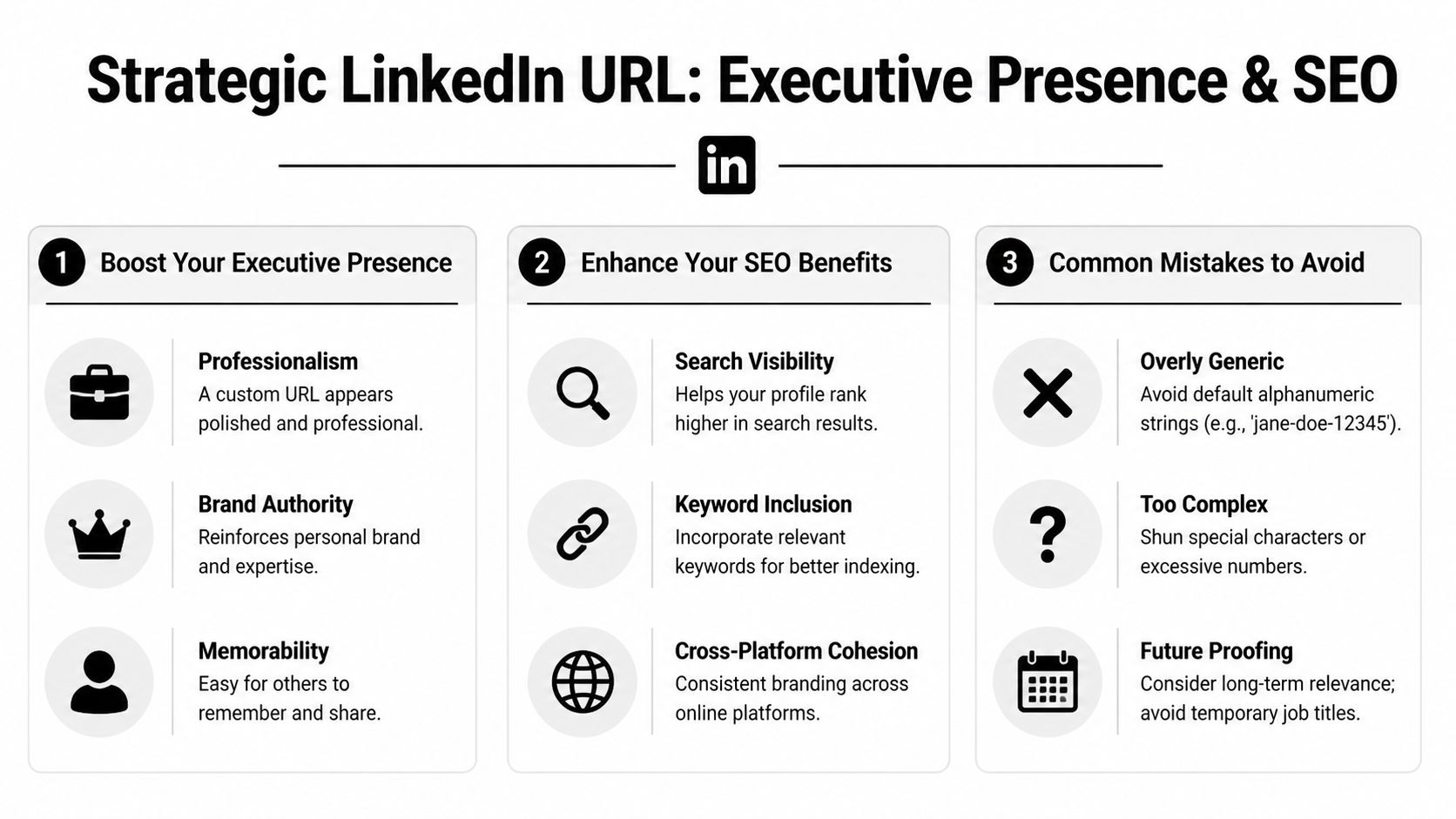
The strongest choice is usually the version that looks stable, professional, and easy to verify in search results. A recruiter, client, or conference organizer should be able to glance at the link and recognize you immediately. That is the practical SEO benefit here. A clear URL supports name search consistency across LinkedIn, Google, and branded mentions.
Formats that hold up well
For executives, consultants, and senior specialists, these formats usually work best:
- Best first choice: first name + last name
- Strong second choice: first name + middle initial + last name
- Useful variation: first name + last name + function
- Situational option: first name + last name + region, if geography is central to your market position
The test is simple. If the URL still fits after a promotion, relocation, or industry shift, it is probably strong enough.
| URL Format | Example | Analysis |
|---|---|---|
| FirstNameLastName | linkedin.com/in/nikolapetrov | Clean and durable. Strong option for long-term executive credibility. |
| FirstName-LastName | linkedin.com/in/nikola-petrov | Clear and readable. Good when the plain version is unavailable. |
| FirstNameMiddleInitialLastName | linkedin.com/in/nikoladpetrov | Useful for common names. Keeps the URL professional without looking improvised. |
| FirstNameLastName-Function | linkedin.com/in/nikolapetrov-finance | Helpful if your name is taken and your function is central to your positioning. |
| FirstNameLastName-Location | linkedin.com/in/nikolapetrov-london | Works if location is part of your market identity. Less useful if you may relocate. |
| Nickname-RandomNumbers | linkedin.com/in/niko8847 | Weak choice. It looks autogenerated and easy to forget. |
| FirstName-TemporaryTitle | linkedin.com/in/nikola-vp-sales-emea | Short shelf life. Titles change, and the link can date you quickly. |
What weakens executive presence
A strong custom linkedin url is recognizable, easy to say out loud, and likely to remain relevant over time.
Weak choices usually create one of four problems:
- They look unfinished: random numbers make the profile feel unclaimed.
- They sound promotional: keyword stuffing reads as self-conscious rather than credible.
- They expire fast: current job titles often become inaccurate.
- They create confusion across markets: long or awkward strings are harder to share when names are transliterated, shortened, or pronounced differently.
This matters even more for international professionals. If your name appears in different formats across passports, company websites, and event listings, your LinkedIn URL should anchor the version of your identity you want people to remember.
If you are refining your broader LinkedIn personal branding, the URL should match the authority your headline, photo, and About section already project.
I use one rule here with clients. Choose clarity over cleverness. If you want support shaping the larger signal your profile sends, executive presence coaching for international professionals can help you align the small details with the reputation you want attached to your name.
Fixing Common Errors When Changing Your URL
A URL issue rarely looks serious in the moment. Then a recruiter, conference organizer, or regional client clicks a broken or awkward link and gets a small signal that your digital presence is not fully under control. For senior professionals, especially those working across countries and name formats, that signal matters.
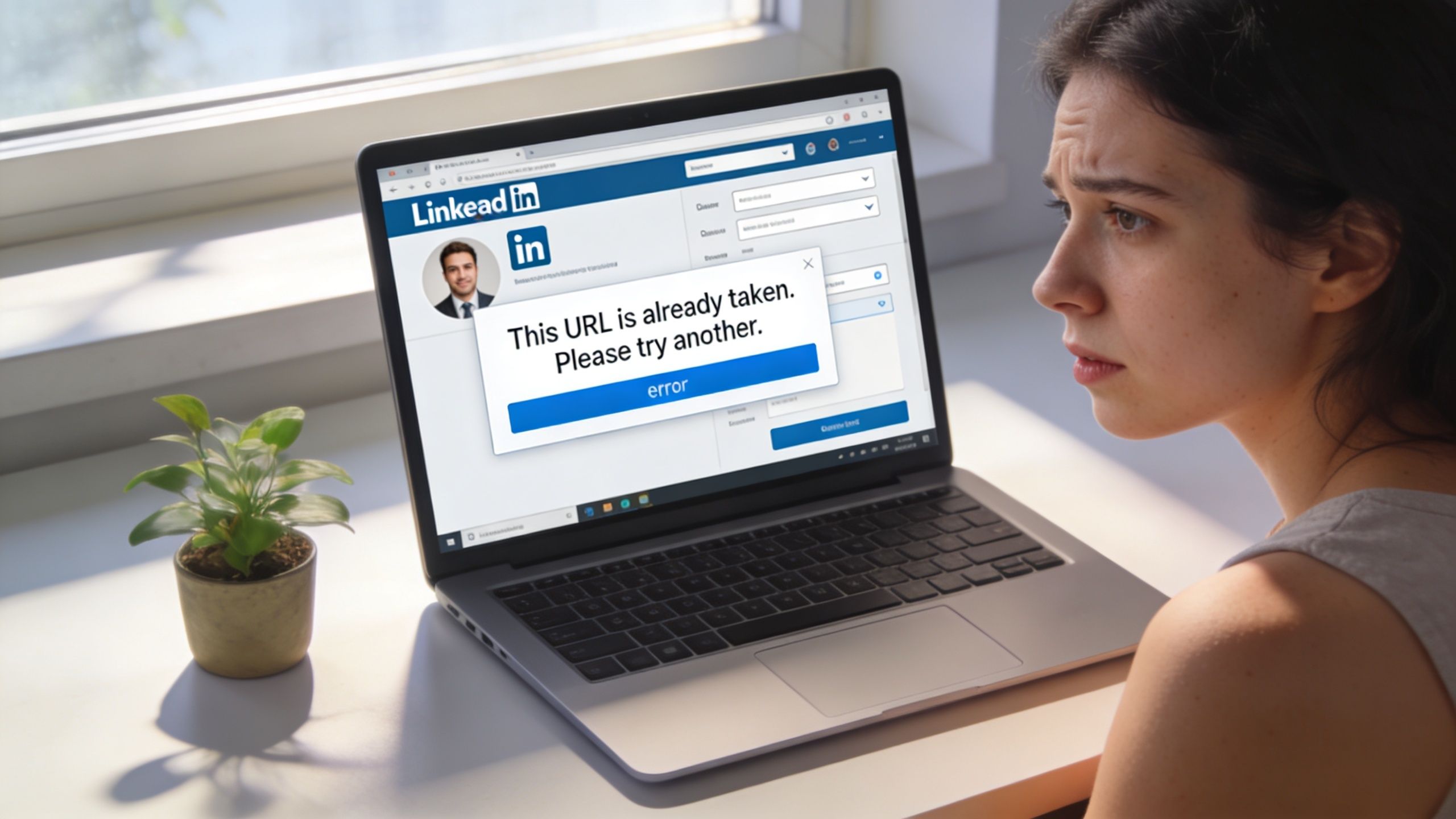
Your preferred URL is already taken
This happens often with common names and internationally recognized surnames. The fix is to make the URL more specific without making it look improvised.
Use options like these:
- Add a middle initial: anna-k-ivanova
- Use your full surname: annaivanovapetrova
- Add a professional descriptor: annaivanova-consulting
- Add a location marker: annaivanova-singapore
Choose the version you can keep for years, not the one that only fits your current role. A stable URL supports executive presence better than one tied to a temporary title.
LinkedIn says the format is invalid
The usual cause is formatting. LinkedIn accepts a narrow set of characters, so keep your slug simple and clean.
Check these first:
- Uppercase letters: convert everything to lowercase
- Special characters: remove accents, apostrophes, periods, and symbols
- Spaces: delete them
- Overly complex strings: shorten the URL until it reads clearly
This is a common issue for international professionals whose names are transliterated differently across documents and platforms. Pick one professional version of your name and use it consistently.
You changed it and now you’re worried about the old link
Do not assume every old link will keep working or that every external profile will update itself. LinkedIn does allow some flexibility around URL changes, but the practical move is simpler. Treat the new link as your only active version and update every public touchpoint immediately.
That includes your email signature, company bio, speaker profile, résumé, calendar booking page, and personal website. If you use a polished headshot to reinforce credibility, make sure the profile link beside it is current too. An ai headshot generator can help if your photo still needs attention.
One more point. If your revised URL creates confusion because your public name differs across regions, publications, or employer systems, get a second opinion before you lock it in. Intonetic’s contact page for executive branding support is a useful place to do that.
Your Next Step in Building Digital Authority
A custom linkedin url is a small adjustment with outsized signaling power. It cleans up your public presence, supports discoverability, and makes every shared profile link look intentional instead of accidental.
For senior professionals, that matters because authority isn’t built only in presentations and meetings. It’s built in the details people encounter before they meet you. Your profile photo, headline, summary, and URL all contribute to that judgment.
Build consistency across every visible asset
If your LinkedIn URL still looks generic, fix it today. Then make sure the rest of your visible identity supports the same level of professionalism.
That includes your profile image. If you need a faster way to improve that element, an ai headshot generator can help you create a more polished LinkedIn photo without the usual scheduling friction of a full shoot.
You should also think beyond LinkedIn itself. Your bio, speaking presence, communication style, and how you frame your expertise all shape digital authority. That broader positioning is why many professionals also explore resources like Intonetic’s guide on why business leaders and executives choose Intonetic.
The URL is quick to change. The impression it creates lasts much longer.
If you want to go beyond polishing your profile and strengthen how you communicate as a senior professional, start with Intonetic’s free Executive Communication Assessment. It’s the best entry point if you want clear feedback on how your current communication style affects authority, credibility, and influence. From there, you can decide whether deeper coaching through Intonetic is the right next move.